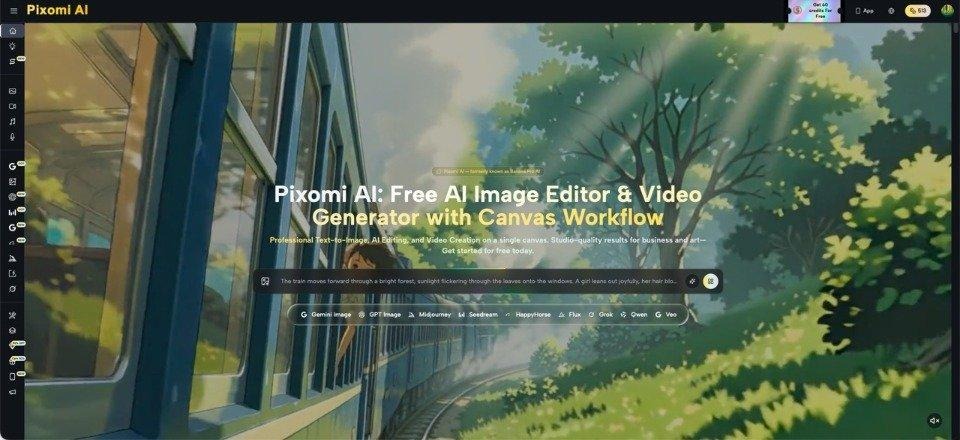
A neighborhood fundraiser ends at 4 p.m., but the work is not really over. Someone still has to choose photos, make a recap graphic, prepare a short social post, and perhaps turn a few still images into something more lively for the next event. Small community groups rarely have a designer, photographer, and video editor waiting in the wings. That is where practical AI tools can help. Banana Pro AI gives creators a way to work with images and videos from one place, which is useful when the goal is not to create flashy advertising but to make ordinary local moments easier to share. The best results keep the real people, places, and details at the center.
Start With the Real Material You Already Have
The best community visuals usually begin with authentic material: the actual ribbon cutting, the youth team photo, the veterans’ ceremony, the school fundraiser, or the small-business opening. Before opening any editing tool, collect the strongest originals and decide what each one needs.
A dark photo from an indoor hall may need cleaner lighting. A wide group shot may need a better crop for social media. A single still from a parade may work better as the opening frame of a short motion clip. This approach keeps the story grounded in what happened.
For example, after a volunteer fire company open house, one group image can serve the recap, one equipment photo a future reminder, and one crowd scene a short teaser.
Turn One Event Into Several Useful Visual Pieces
Instead of treating every photo as a separate post, build a small set of materials around one event.
- Create a Clear Recap Image
Choose the photo that best answers, “What happened here?” It may be a group at the finish line, a speaker at a podium, or families gathered around an activity. Make only the edits that improve readability: crop distractions, correct an awkward background element, or adjust the scene so the main subject is easier to notice.
The goal is not to make the image look cinematic. It is to help a reader understand the moment in one glance.
- Prepare a Follow-Up Visual
A fundraiser recap might be followed by a thank-you graphic. A seasonal market could use a clean vendor image to remind people about the next date. A library event could reuse a photo of the activity table when registration opens for a similar program.
This is where prompt-guided image editing is helpful because the creator can work from the existing picture instead of rebuilding the scene from scratch.
- Add Motion to a Still When It Helps
If one strong photo captures the scene, an image-to-video workflow can be useful for a short social teaser. Keep the motion modest. A slow camera move across decorations, a gentle push toward a stage, or subtle movement in a crowd scene usually fits community coverage better than dramatic effects.
The still image remains the source, while motion simply gives the post another format.
Use AI Editing to Fix Presentation, Not Rewrite the Event
When working with real community news, accuracy matters more than visual novelty. It is fine to improve presentation, but edits should not change the basic facts of what happened.
Removing a distracting trash bin or parked van can clean up a charity photo without changing what happened. Adding a crowd that was never there would not.
With Nano Banana Pro, the practical use is to start from a real image, describe a specific visual adjustment, and review the result carefully before publishing. If faces, signs, uniforms, products, or locations matter to the story, compare the edited version with the original. Local audiences often recognize people and places immediately, so small inaccuracies are easier to notice than they might be in generic promotional content.
Match the Format to Where People Will See It
A good image can still perform poorly if it is prepared for the wrong context. Community organizations often post the same material on a website, Facebook page, email update, and event listing. Those placements do not all need the same visual treatment.
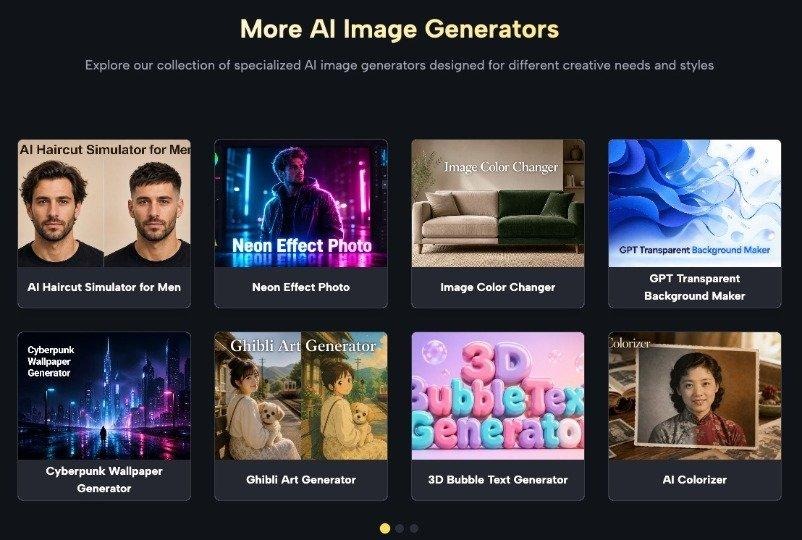
A website story may need a wide image, while a vertical social post usually benefits from a tighter crop that keeps faces visible on a phone.
Choose one “master” image and create only the versions you actually need. If the recap will appear on a local site and one social channel, prepare those two and spend the saved time checking captions, names, and dates.
Keep a Simple Review Checklist Before Publishing
AI-assisted visuals still need a human final check. This is especially important when the material includes recognizable residents, local businesses, school activities, or public events.
Before posting, confirm four things. First, make sure people still look like themselves and no unwanted face changes appeared. Second, check text in signs, banners, jerseys, or storefronts, because generated edits can distort lettering. Third, compare the setting with the original so the location has not changed in a misleading way. Fourth, ask whether the edit adds useful clarity or merely makes the image look more processed.
A church festival photo, for instance, may only need a cleaner crop and better balance. If an AI edit introduces strange decorations or changes a sponsor sign, the original may actually be the stronger choice. Knowing when not to edit is part of using these tools well.
Build a Repeatable Routine for the Next Event
Community groups benefit most when the process is easy enough to repeat. After one event, save a short routine: select three strong originals, choose the purpose of each, make only necessary edits, prepare the required formats, and review every result against the source.
The same routine can work for a school fair one month and a veterans’ fundraiser the next. When an existing event photo needs a cleaner presentation or a new visual treatment, Nano Banana Pro can fit naturally into this image-editing step without forcing the team to rebuild the visual from scratch. If several people help with coverage, give each person one clear role. One person can collect originals, another can draft captions, and a third can approve the final visual. That simple division prevents duplicate work and makes it less likely that an edited image is published before someone checks the names, signs, and setting.
It also makes it easier for another volunteer to take over, because the process does not depend on one person remembering a complicated set of steps.
Over time, this creates a more consistent public record. Photos look cleaner, short videos feel intentional, and event coverage becomes easier to produce without turning a volunteer organization into a media department. The technology matters less than the habit: start with the real event, make focused improvements, and publish material that still feels local.
Conclusion
Small community organizations do not need elaborate production plans to improve the way they share local events. They need a manageable system for turning the photos and moments they already have into clear, useful material. Start with authentic images, assign each one a purpose, use editing only where it improves presentation, and add video motion when it genuinely suits the story. Most importantly, review every result against the real event before it goes public.
That approach keeps the people and place at the center while reducing the amount of manual design work around them. The next time a fundraiser, game, ceremony, or neighborhood event wraps up, choose three strong images before everyone heads home. That small habit gives you enough material to build a thoughtful recap without creating extra work for an already busy volunteer team.
 -
- -
- -
- -
- -
-